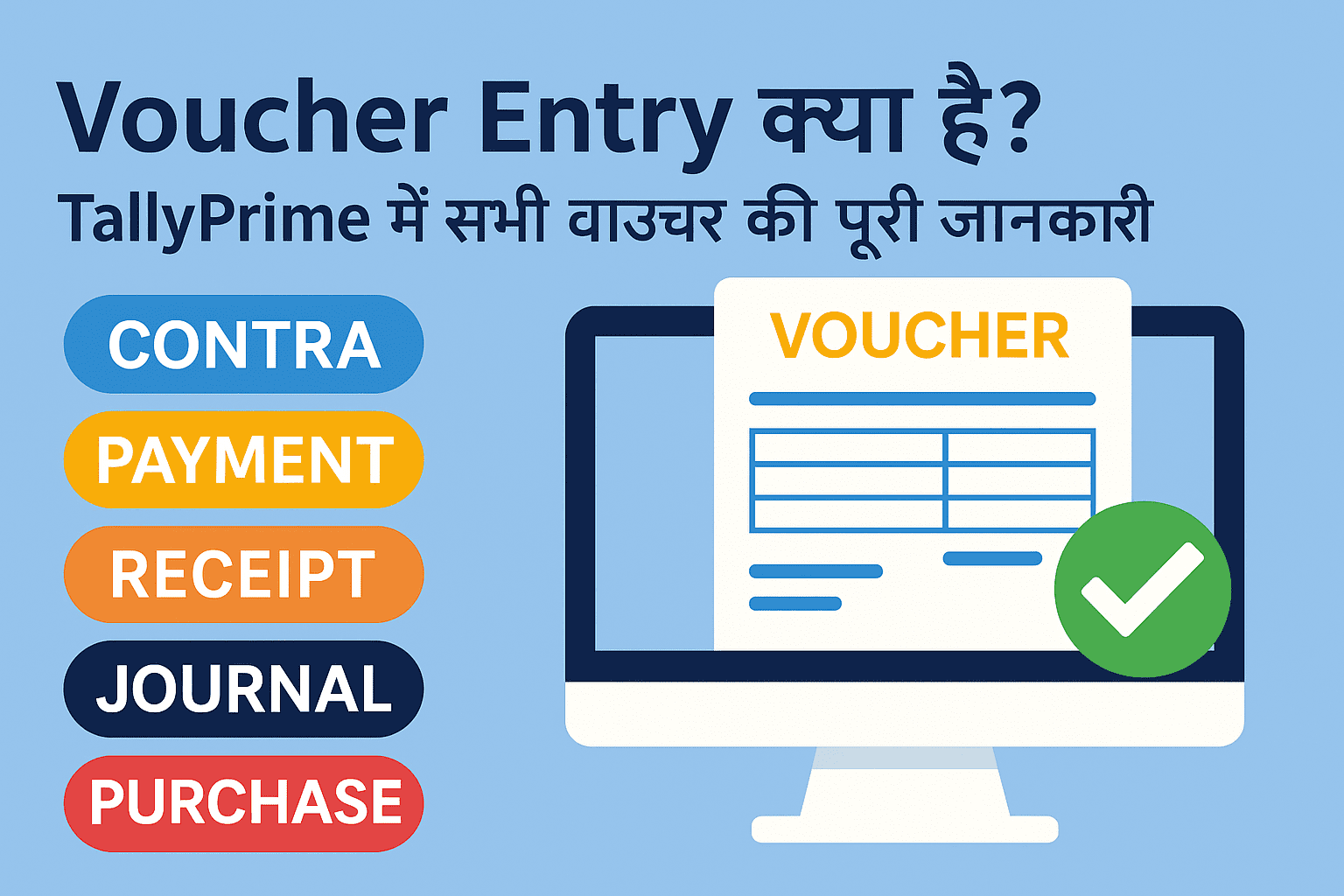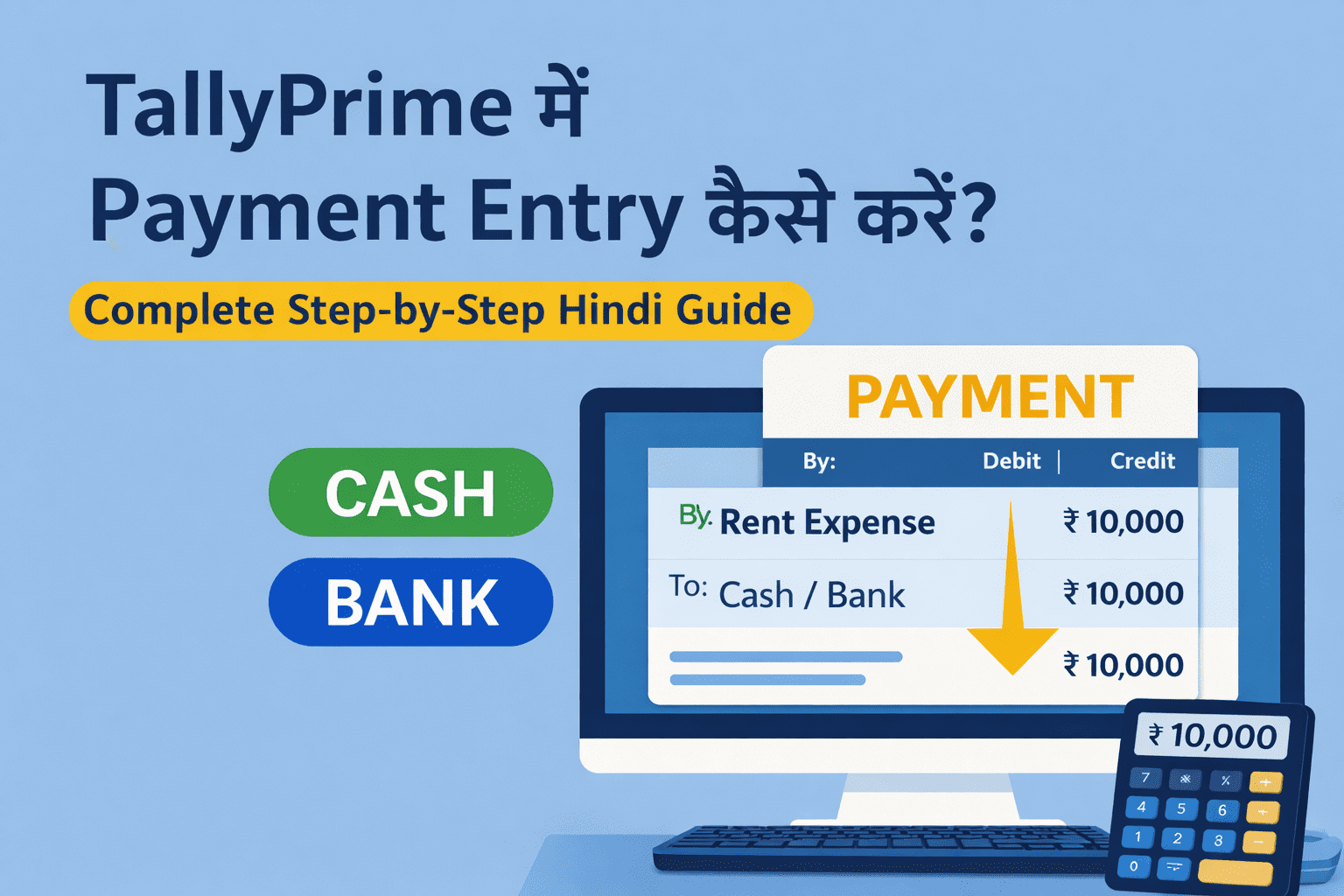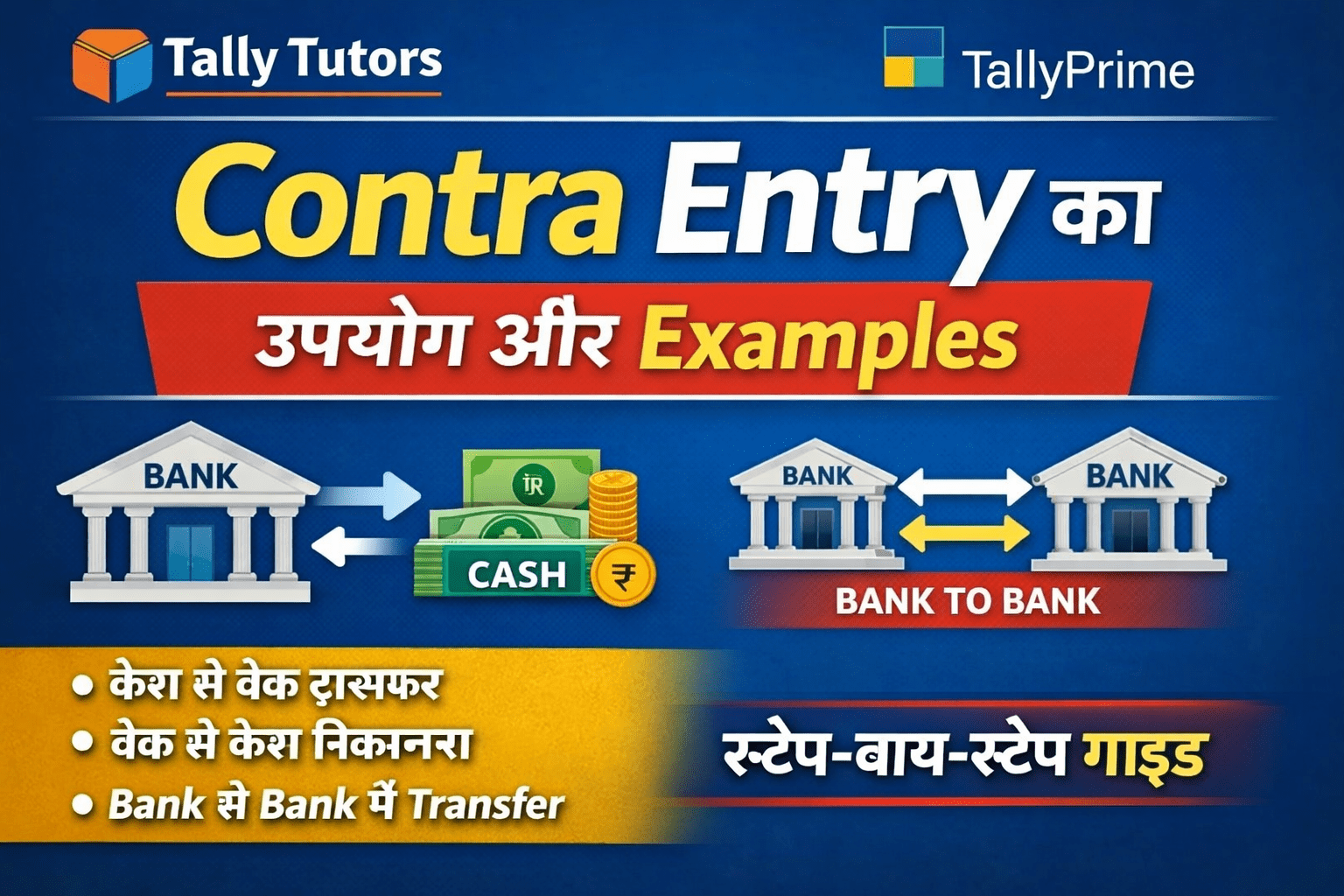
टैली प्राइम में जब भी कंपनी को पैसा प्राप्त होता है, उस Transaction को दर्ज करने के लिए Receipt Voucher Entry का उपयोग किया जाता है।
चाहे Customer से Cash मिले, Bank में Payment आए या Capital Introduce किया जाए — हर Receiving Transaction Receipt Entry से ही दर्ज होता है।
इस पोस्ट में हम Receipt Entry क्या है, कैसे करें, Cash और Bank Receipt के examples, GST से जुड़ी जानकारी और common mistakes विस्तार से सीखेंगे।
🔍 Receipt Entry क्या होती है?
Receipt Entry वह प्रक्रिया है जिसमें कंपनी को प्राप्त (Receive) हुए पैसों को TallyPrime में रिकॉर्ड किया जाता है।
🔹 Receipt Entry के सामान्य उदाहरण:
- Customer से Payment प्राप्त होना
- Cash Sales
- Bank में NEFT / UPI से पैसा आना
- Capital Introduced
- Interest Received
👉 सरल शब्दों में:
जब पैसा अंदर आए = Receipt Entry
❓ Receipt Voucher क्यों जरूरी है?
Receipt Entry करने से:
- Cash और Bank Balance सही रहता है
- Customer Outstanding सही दिखाई देता है
- Profit & Loss Account accurate बनता है
- Audit और Accounting clean रहती है
⌨ Receipt Voucher Shortcut Key
- F6 – Receipt Voucher
🖥 TallyPrime में Receipt Entry कैसे करें? (Step-by-Step)
🔹 Step 1: TallyPrime खोलें
- TallyPrime Software Open करें
- अपनी Company Select करें
🔹 Step 2: Receipt Voucher खोलें
- Gateway of Tally → Vouchers → F6 (Receipt)
या - Keyboard से F6 दबाएँ
🔹 Step 3: Receipt Mode चुनें
- Cash Receipt
- Bank Receipt
🧾 Example 1: Cash Receipt Entry (Customer से Cash मिला)
Transaction:
Customer से ₹20,000 Cash प्राप्त हुए
✔ Accounting Rule:
- Debit: Cash
- Credit: Customer Ledger
✔ Tally Entry:
- Dr. Cash ₹20,000
- Cr. Customer ₹20,000
🏦 Example 2: Bank Receipt Entry (Customer से Bank में Payment)
Transaction:
Customer ने ₹35,000 Bank (NEFT) से भेजे
✔ Entry:
- Dr. Bank
- Cr. Customer
👉 Instrument Details (NEFT/UPI) भरना न भूलें।
🧾 Cash Sales Receipt Entry कैसे करें?
यदि आपने Cash Sales की है:
- Debit: Cash
- Credit: Sales Ledger
GST applicable होने पर GST Ledger अपने-आप adjust हो जाता है।
🧾 Capital Receipt Entry कैसे करें?
Transaction:
Owner ने ₹1,00,000 Capital Introduce किया
✔ Entry:
- Debit: Cash / Bank
- Credit: Capital Account
🧾 GST के साथ Receipt Entry कैसे करें?
Receipt Voucher में अलग से GST नहीं लगाया जाता, क्योंकि GST Sales या Invoice Entry में पहले ही calculate हो चुका होता है।
Receipt Entry में सिर्फ:
- Payment receive किया जाता है
- Outstanding adjust होती है
⚠ Receipt Entry करते समय ध्यान रखने वाली बातें
- सही Voucher (F6) चुनें
- Cash Receipt में Bank Ledger न चुनें
- Bank Receipt में Instrument Details भरें
- Amount और Date सही रखें
❌ Receipt Entry में होने वाली आम गलतियाँ
- Payment Voucher की जगह Receipt Voucher न लेना
- Debit-Credit उल्टा कर देना
- गलत Party Ledger चुनना
- Bank Receipt को Cash में दिखा देना
📊 Receipt Entry का असर किन Reports पर पड़ता है?
- Cash Book
- Bank Book
- Ledger Report
- Outstanding Receivables
- Balance Sheet
🎯 Receipt Entry किसे सीखनी चाहिए?
- Accounting Students
- Accountants
- Billing Executives
- Business Owners
- GST Practitioners
📌 निष्कर्ष
Receipt Entry सही अकाउंटिंग के लिए उतनी ही ज़रूरी है जितनी Payment Entry।
यदि Receipt Voucher सही तरीके से किया जाए, तो Customer Balance और Cash/Bank Balance हमेशा accurate रहता है।
🔎 Download
📥 Receipt Entry Practice PDF Download
यह Receipt Entry Practice PDF TallyPrime beginners के लिए specially तैयार की गई है।